In order to use the PayPal Commerce Platform gateway on your site, you will need to register an app at the PayPal Developer Portal and get your API credentials.
Once you get the credentials, please send them to support@surfnewmedia.com so we can finish the configurations. Please see below for getting your PayPal credentials.
Register your app at the PayPal Developer Portal
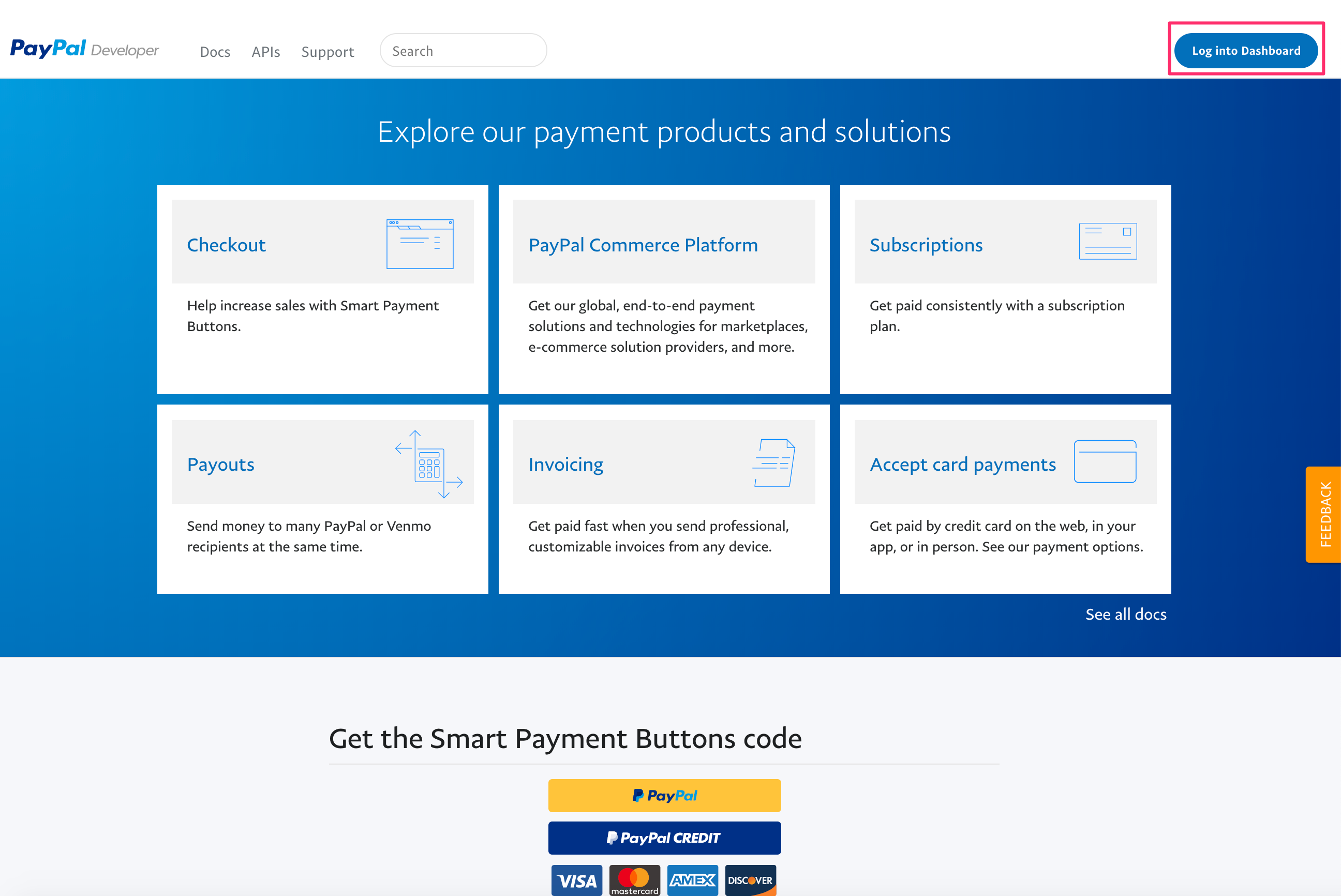
Go to the PayPal Developer Portal and log in with your PayPal credentials. You can sign up for a new account if you don't already have one.
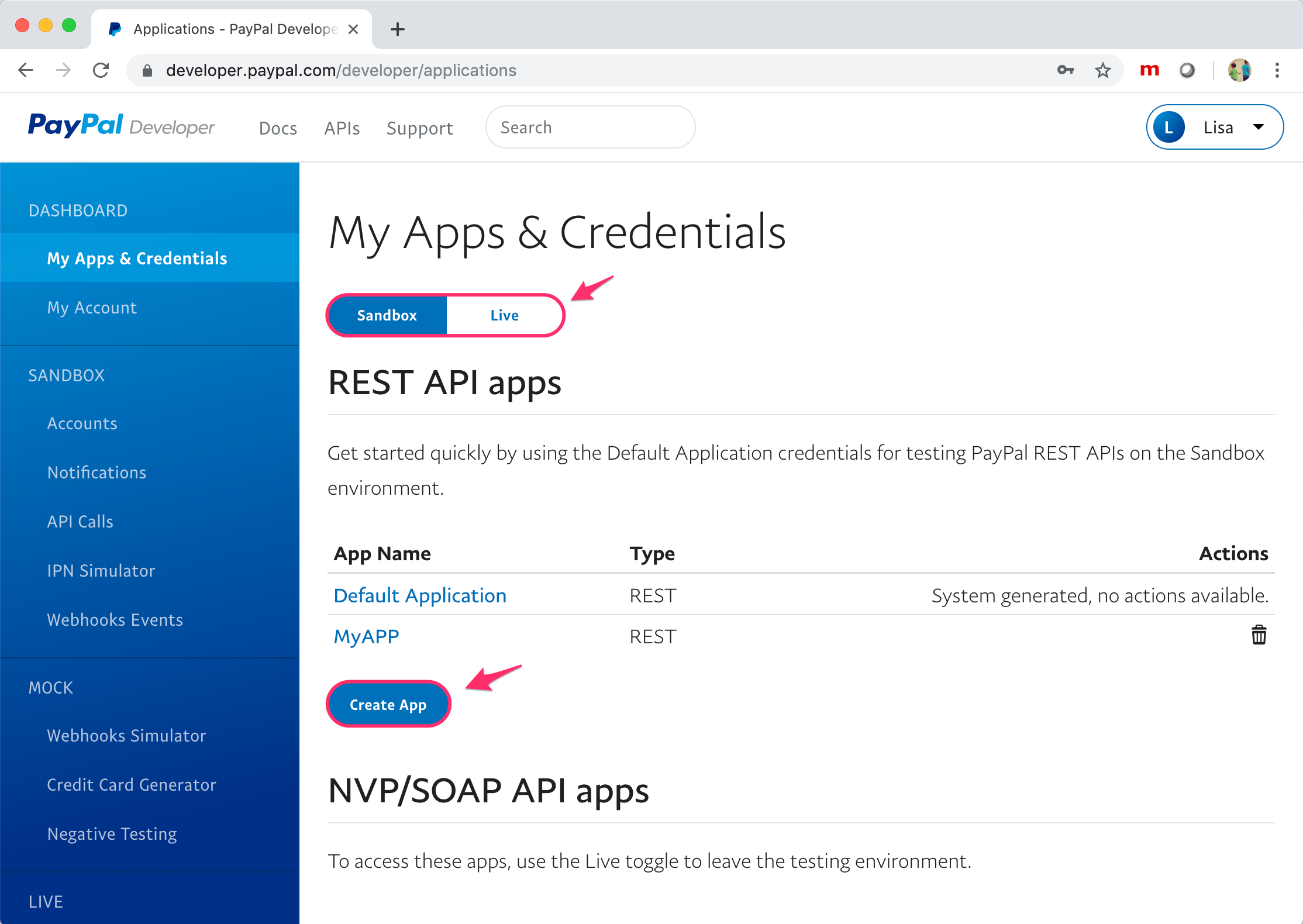
You will be directed to the My Apps & Credentials page. In the REST API Apps section, click Create App.
Please note in the screenshot below that you can also get a set of "Live" credentials by switching to the "Live" option and then creating a new App.
On the Create New App page, provide a value for App Name and click Create App.

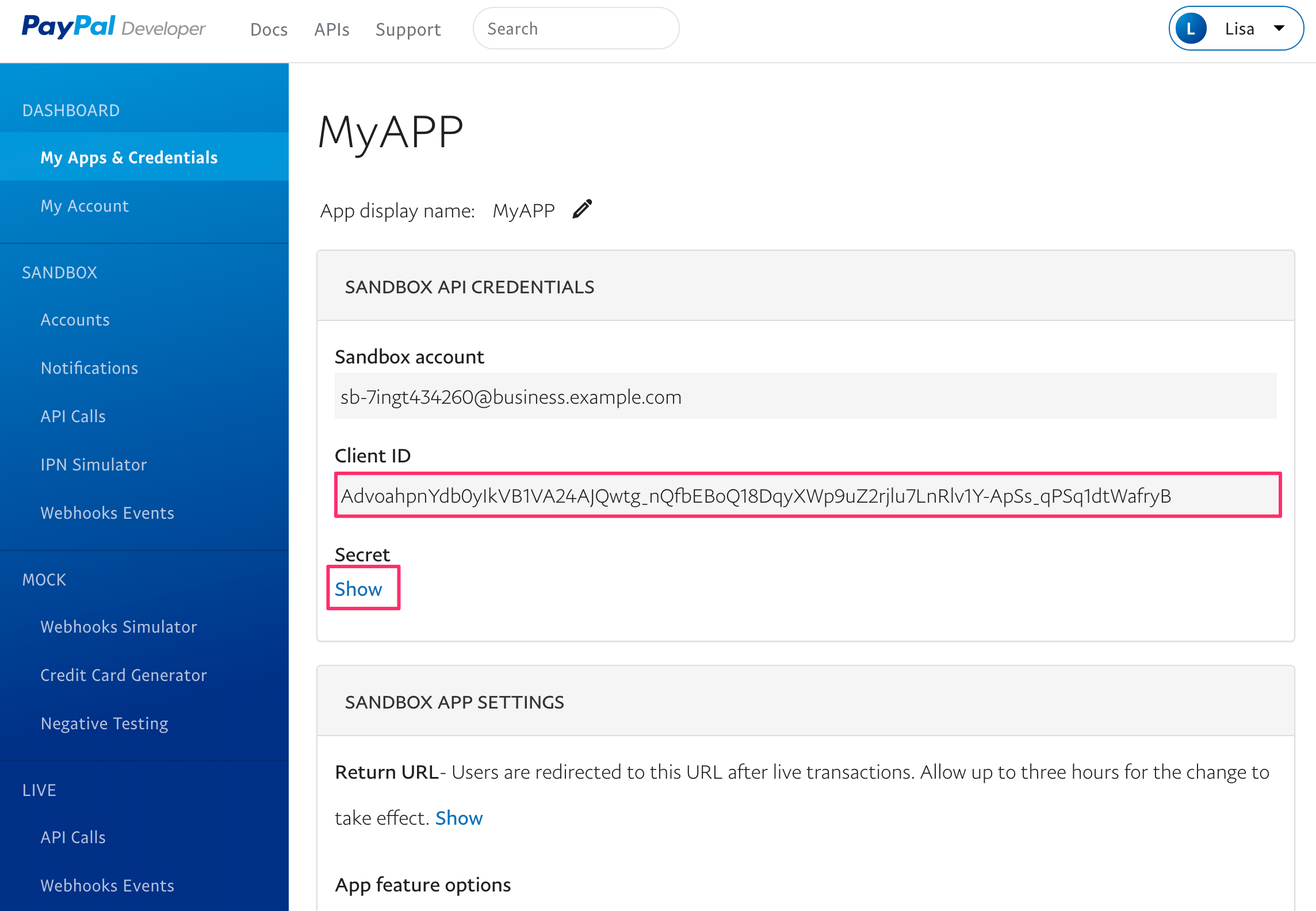
Get your PayPal client ID and secret
Once PayPal has created your app, you will be shown the API credentials for this particular application. The Secret value is initially hidden.